How to tell if a video is AI-generated: signs, labels and limits
How to tell if a video is AI-generated: visual signs to check, YouTube, Meta and TikTok labels, C2PA Content Credentials, and why brands should label.
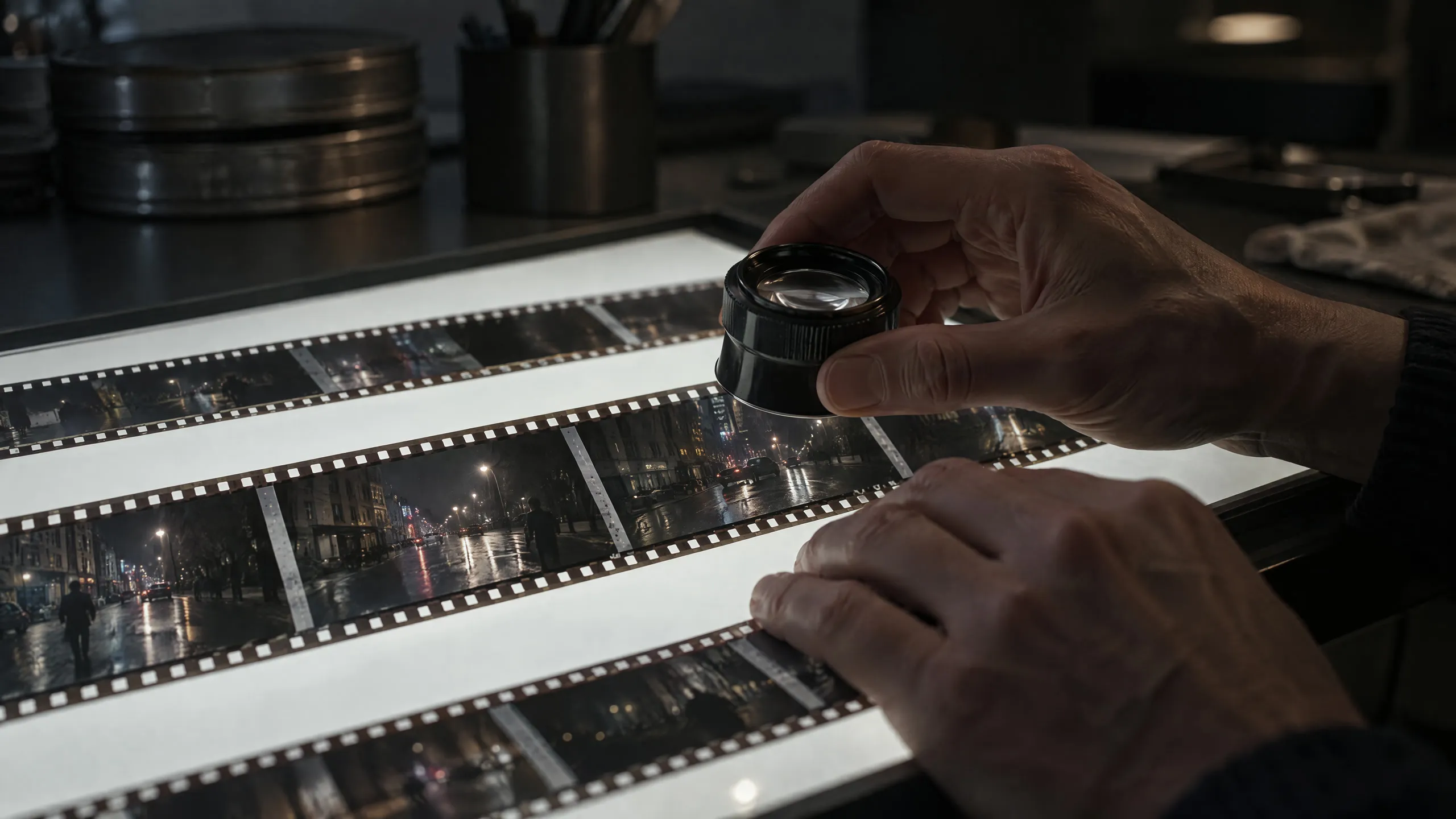
How to tell if a video is AI-generated: a caveat first
“Is this video real?” is now an everyday question. The honest answer to how to tell if a video is AI-generated is this: sometimes you can see it, but less and less often. Mistakes that were obvious a few years ago fade with every new generation of tools.
So read the signs below as clues, not proof. A single glitch doesn’t prove a video was made with AI; compression and low light create similar artefacts in real footage. Seeing no glitches doesn’t prove a video is real either. Even Meta states plainly that it is not yet possible to identify all AI-generated content.
Signs you can check by eye
| Where to look | What to look for |
|---|---|
| Hands and faces | Extra or merging fingers, teeth that change within a shot, inconsistent small details such as ears and glasses |
| Text and logos | Unreadable signs, labels or number plates whose letters shift during a shot |
| Physics | Weightless movement, objects passing through each other, water, hair and fabric that don’t move naturally |
| Continuity | Objects that vanish or appear mid-shot, background faces that change shape |
| Light and reflections | Shadows that point the wrong way, mirror and glass reflections that don’t match the scene |
| Texture | Overly smooth skin, the same sheen on every surface, a look that is too flawless |
| Sound | Speech out of sync with lip movement, room sound that is missing or too clean |
Most of these show up in motion rather than in a single frame. Slow the video down, pause it and look at the details.
Look at context, not just pixels
Often the information around a video says more than the video itself.
- Who posted it first? Check the account’s history, the posting date and where the video first appeared.
- Is there another angle? A real event is usually recorded by more than one person.
- Reverse image search. Searching a frame can show whether the video was published earlier in a different context.
- A trusted source. For news footage, check whether established news organisations have verified it.
Platform labels: what YouTube, Meta and TikTok require
The major platforms ask for realistic AI content to be labelled.
| Platform | What it asks for | Where the label appears |
|---|---|---|
| YouTube | Disclosure at upload of realistic content that was made or altered with AI | On the player for photorealistic content, otherwise in the expanded description; may be added automatically for content carrying C2PA metadata |
| Meta (Facebook, Instagram, Threads) | People posting photorealistic video or realistic-sounding audio must use the disclosure tool; Meta also detects industry-standard indicators | “AI info” label; in the post menu for content only edited with AI |
| TikTok | Labels on AI-generated or significantly edited content showing realistic-looking scenes or people | A label marking the content as AI-generated; automatic for some content carrying Content Credentials |
There are penalties, too. YouTube says creators who repeatedly fail to disclose may face penalties such as content removal or suspension from the YouTube Partner Program, while disclosure alone won’t limit a video’s audience or its eligibility to earn money. TikTok may remove, restrict or label unlabelled content. Meta says it may apply penalties to people who don’t disclose.
What are C2PA and Content Credentials?
C2PA (the Coalition for Content Provenance and Authenticity) is an open technical standard for recording the origin of digital content and the edits it has been through. The record attached to a file under this standard is called Content Credentials. C2PA compares it to a nutrition label for digital content: anyone can see how the content was made and edited. Its steering committee includes companies such as Adobe, the BBC, Google, Meta, Microsoft, Sony and TikTok.
Platforms read this record. YouTube may label content carrying C2PA metadata automatically. TikTok recognises and labels some AI content made on other platforms through Content Credentials, and attaches the record to its own content as well. You can check a file’s record yourself with the Verify tool.
It has limits:
- The record can be removed. Meta acknowledges that invisible markers can be stripped from files. So a video without a record tells you nothing either way.
- The record shows origin, not truth. It tells you where content came from; it doesn’t prove that what it shows is true.
Can you trust detection tools?
Many tools are marketed online as “AI detectors”. What they return is a probability, not a verdict: they can flag a real video as AI-made, or the other way round. Don’t treat any of them as proof on its own; weigh the result as one clue alongside the signs, the context and the label.
Why brands shouldn’t hide it
Passing off an AI-made film as a real shoot has a short upside and a long cost. When viewers find out later, what they talk about isn’t the film; it’s the feeling of being misled.
A label doesn’t make a film smaller. Viewers know what they’re looking at and give their attention to the story. Cinela delivers every film clearly labelled as AI-made; that’s why the cover of this article carries a “made with AI” note. We never pass off AI content as real or use it for disinformation, and we use faces, voices and brand assets only with their owner’s permission. Read all our promises on the home page.
Before you publish:
- Turn on the platform’s AI disclosure setting when you upload.
- Add “Made with AI” in the film and in the description.
- Base every fact about a real product, place or person on real sources, not on AI. Our commercial cost guide also covers when real footage is still the right call.
For the questions to ask a studio, see our AI commercial production guide.
A checklist before you share
- Is there a label? Check the description, the post menu and the player.
- Is the source clear? Who posted the video first, and when?
- Is there another recording? Look for the same moment from a different angle.
- Do the details hold? Hands, text, shadows and continuity.
- Does the sound match? Speech and lips, room sound and the space.
- Are there credentials? If there’s a Content Credentials record, what does it say?
- Still not sure? Don’t share it, or share it with a clear note that it’s unverified.
Sources
- YouTube Help: Disclosing use of GenAI content
- Meta: Labeling AI-Generated Images on Facebook, Instagram and Threads (6 February 2024)
- Meta: Our Approach to Labeling AI-Generated Content and Manipulated Media (April 2024; updated July and September 2024)
- TikTok Community Guidelines: Integrity and authenticity
- TikTok Newsroom: Partnering with our industry to advance AI transparency and literacy (9 May 2024)
- C2PA
- Content Credentials and the Verify tool
- AI video
- Labelling
- C2PA
- Trust
More articles
All articles →-

Real estate promo video: selling a life, not square metres
How to build a real estate promo video: showing a life before the building is finished, formats for sales offices, web and Reels, and the honesty rule.
Read -

Hotel promo video: what to show, where it runs and when to make it
What should a hotel promo video show, which format fits each channel, and when should it be ready? AI production, when real footage is a must, and a checklist.
Read